
Coupon codes contain special rewards that can be claimed on your character. Follow the steps below to redeem a coupon code and receive your rewards.
Where to Redeem Coupon Codes
Coupon codes can be redeemed through the Community Page/Webshop.
You can access the Webshop at Adventure Rank 10 if you have an email set and validated on your S&F account.
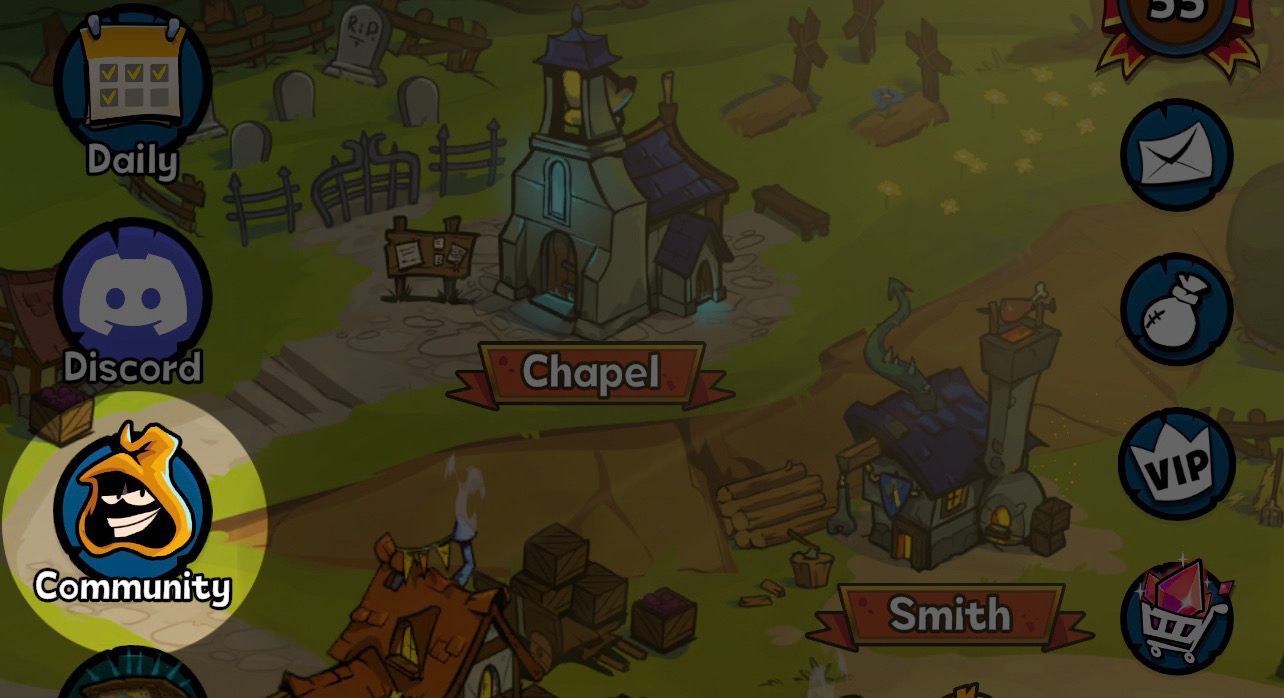
You will need your Login ID to access the Webshop. You can find your Login ID on the bottom of the Character tab after you click on your avatar.
How To Redeem Coupon Codes
After you logged in using your Login ID, follow these steps:
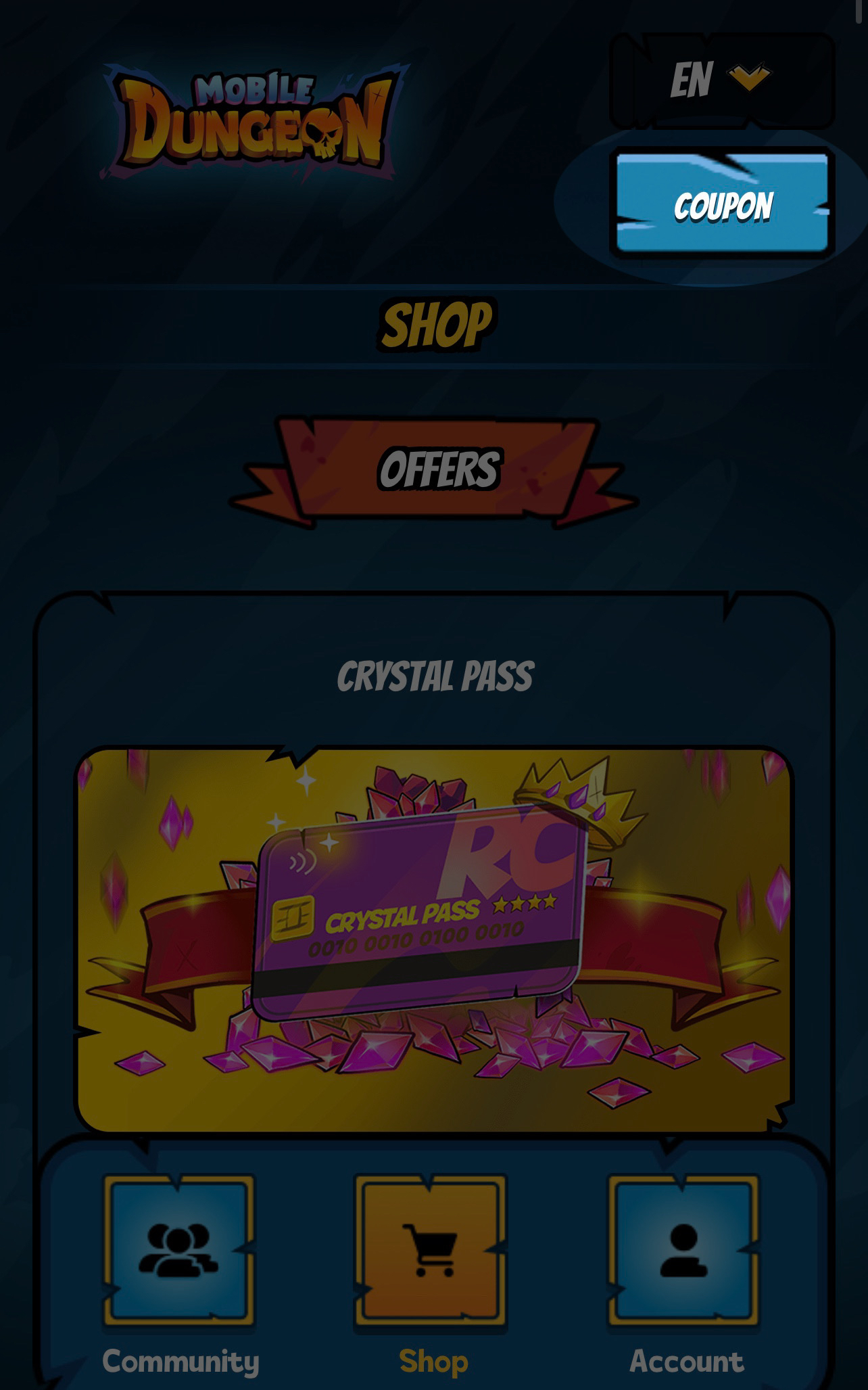
Click on the Coupon button that is located on the top right side of the page
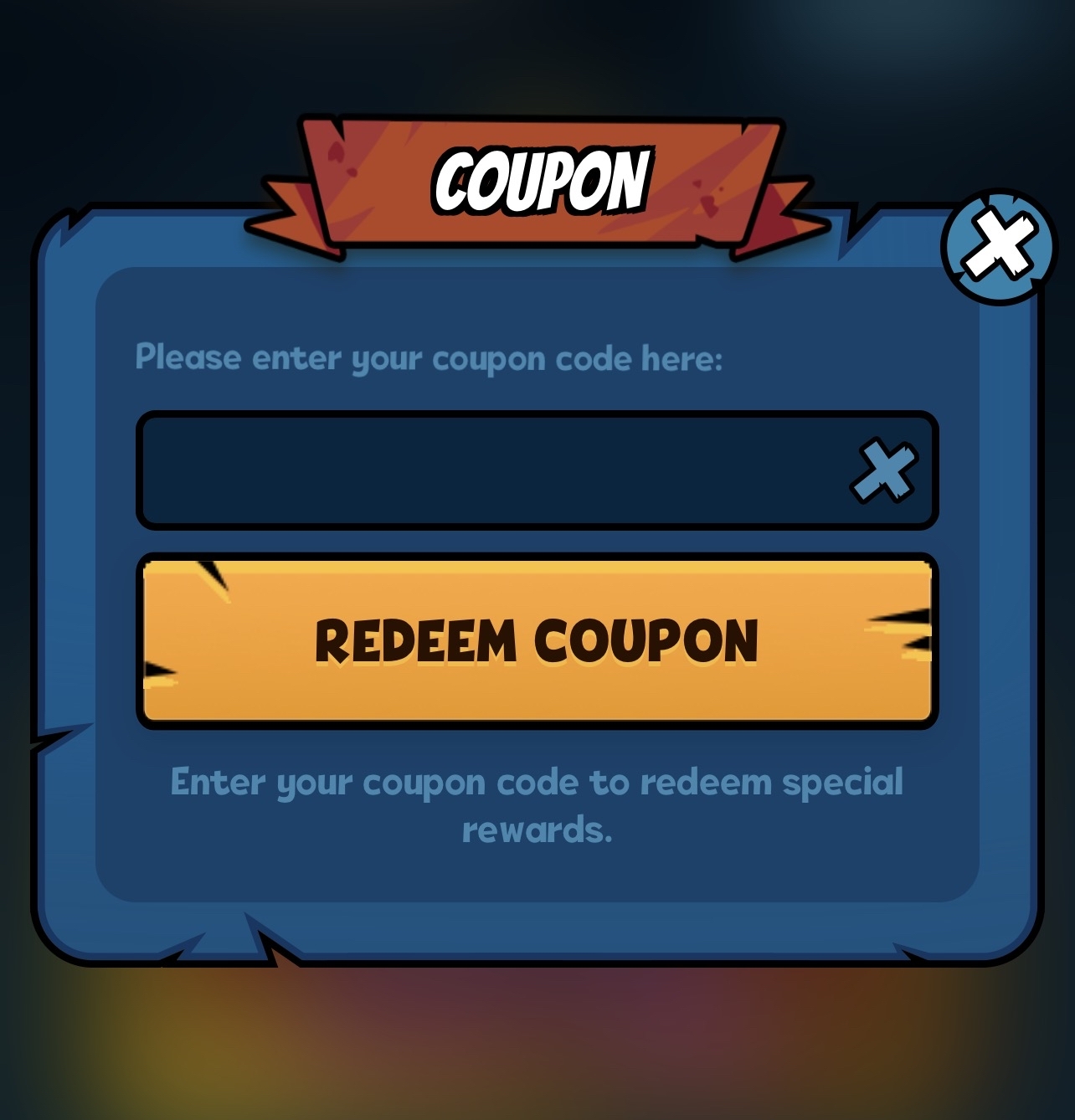
Now enter your Coupon Code here, and click on Redeem Coupon button
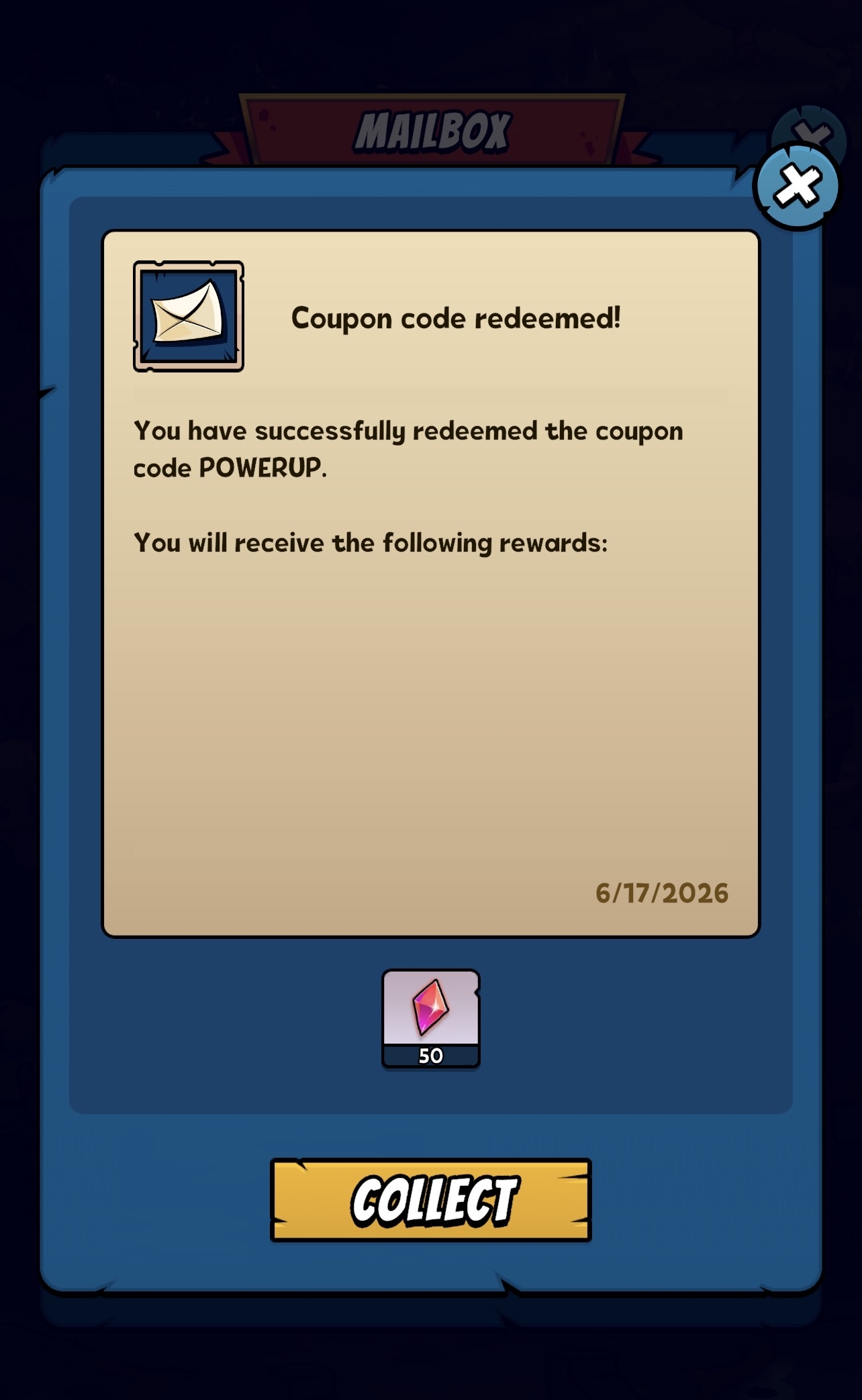
After a coupon code has been successfully redeemed, the reward will be sent to your character via in-game mail where you can collect it.
Troubleshooting
If your coupon code cannot be redeemed:
- Verify that the code was entered correctly.
- Check whether the coupon code has expired.
- Make sure the coupon code has not already been redeemed on your character.
- Make sure you are eligible to redeem this code.
Contact our Support Team if the issue persists.